Utility · Android app

SFV Player
Watch videos in 60 to 120 fps and convert videos upto 120, free app.
Smooth motion, without the judder
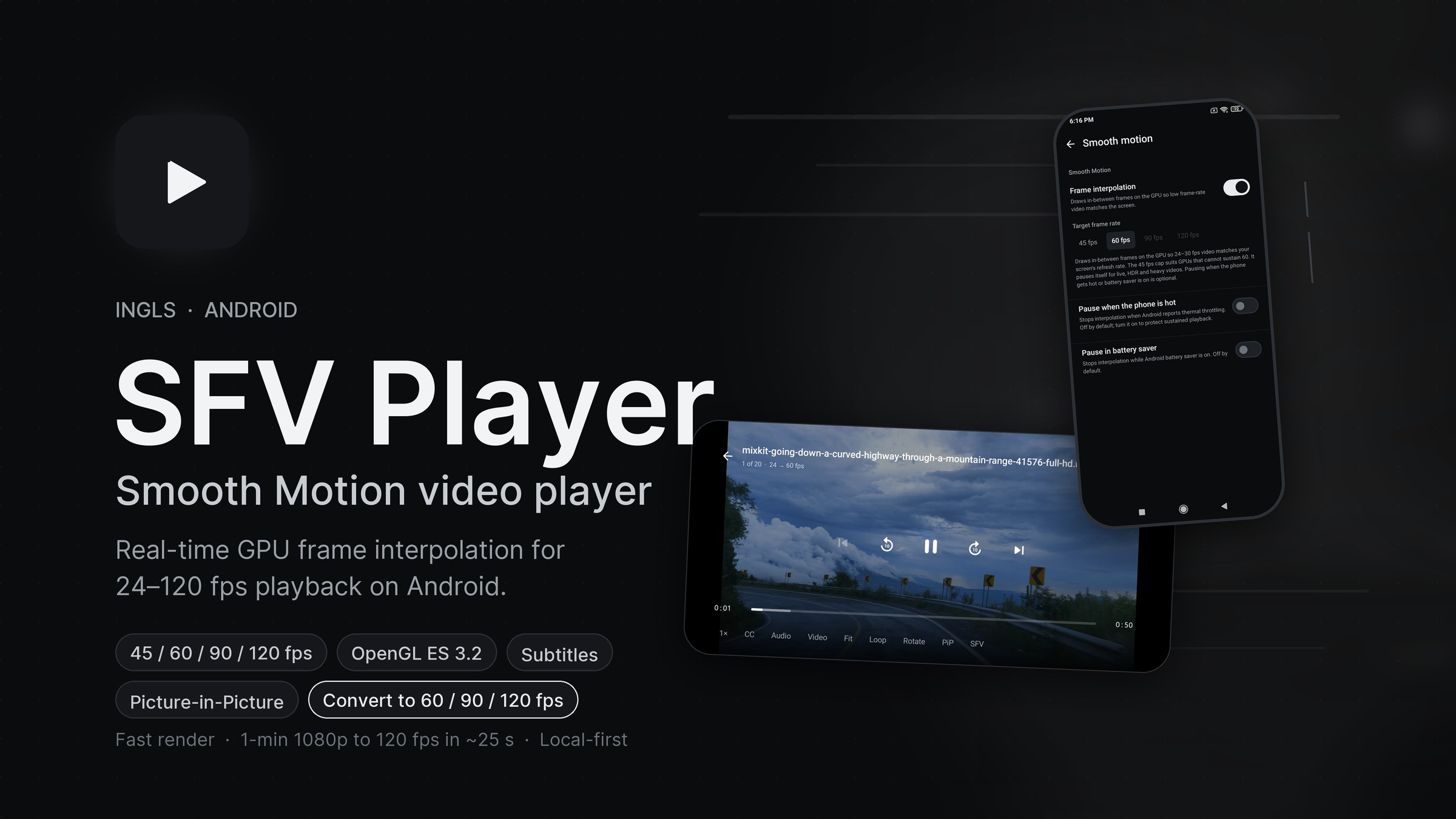
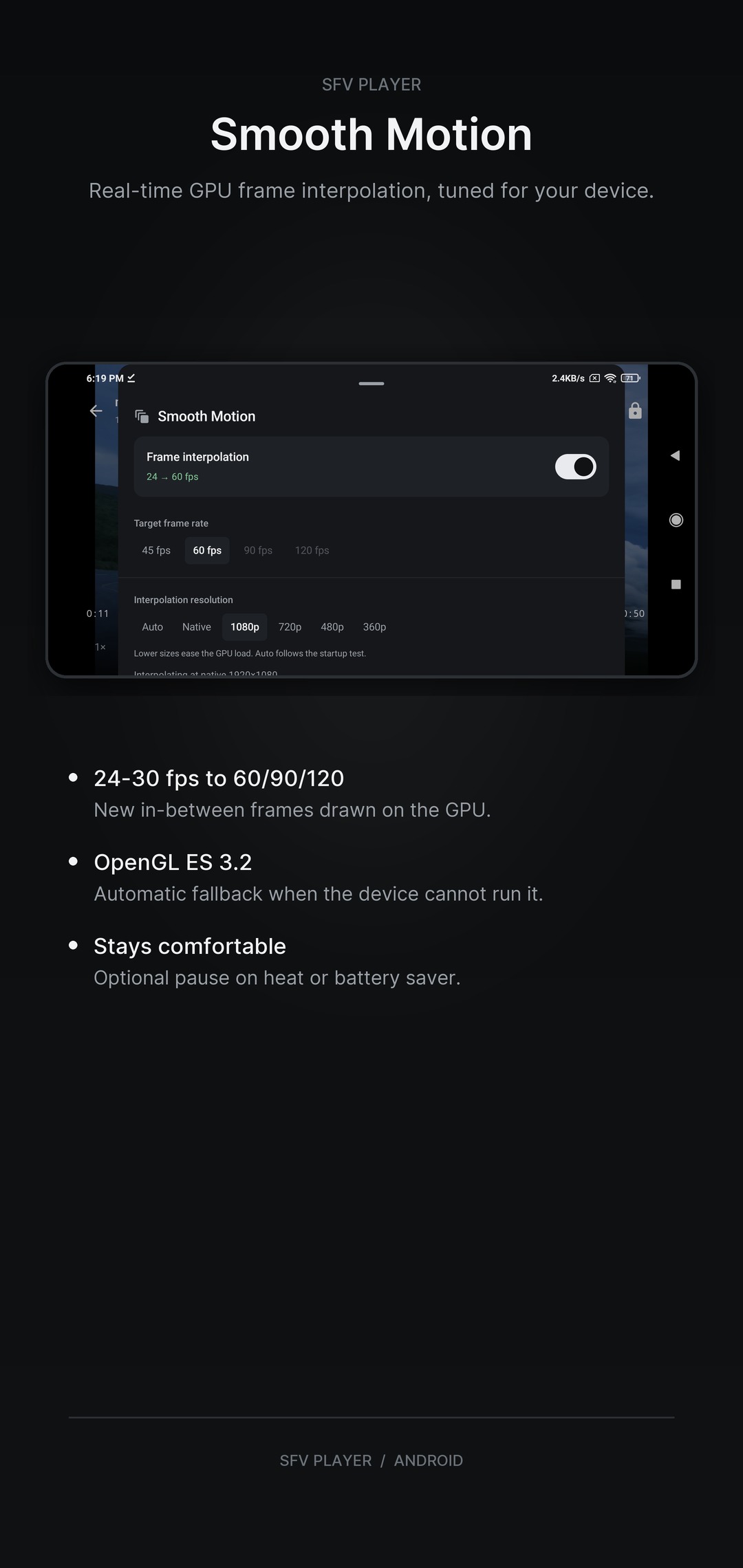
SFV Player is a local-first Android video player built around Smooth Motion, a real-time GPU frame-interpolation engine. It estimates motion between frames and draws new in-between frames, so 24-30 fps video plays at 45, 60, 90 or 120 fps on displays that can show it.
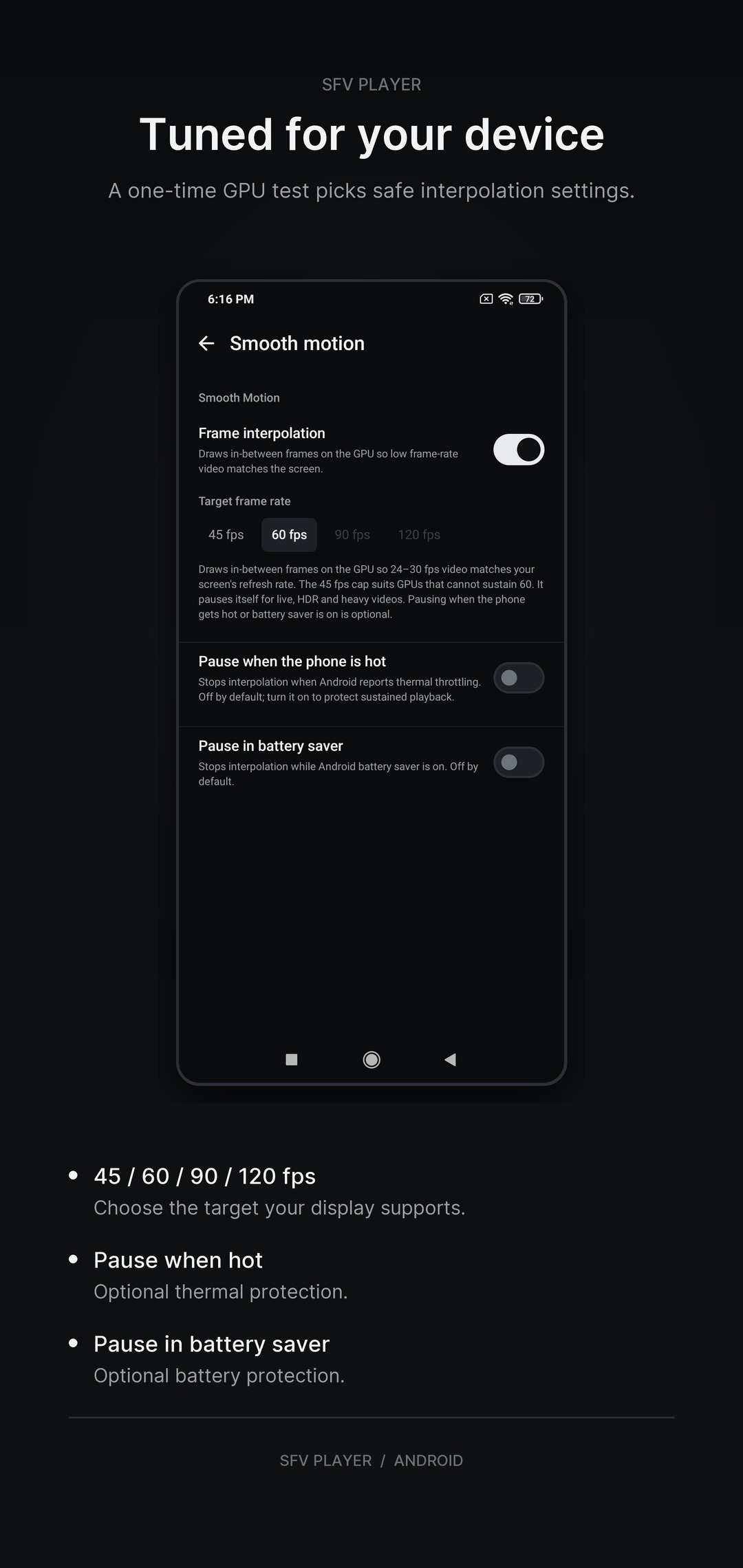
Smooth Motion runs on OpenGL ES 3.2 and is tuned by a one-time GPU test. It pauses automatically for HDR, live and very heavy videos, and can optionally stop when the phone gets hot or battery saver is on. Devices without ES 3.2 simply play videos normally.
Note - It requires at least mid range chipset to maintain to 60fps playback. (Tried and tested processors Snapdragon 6s gen3, 732g, 8s gen 4)
A complete player
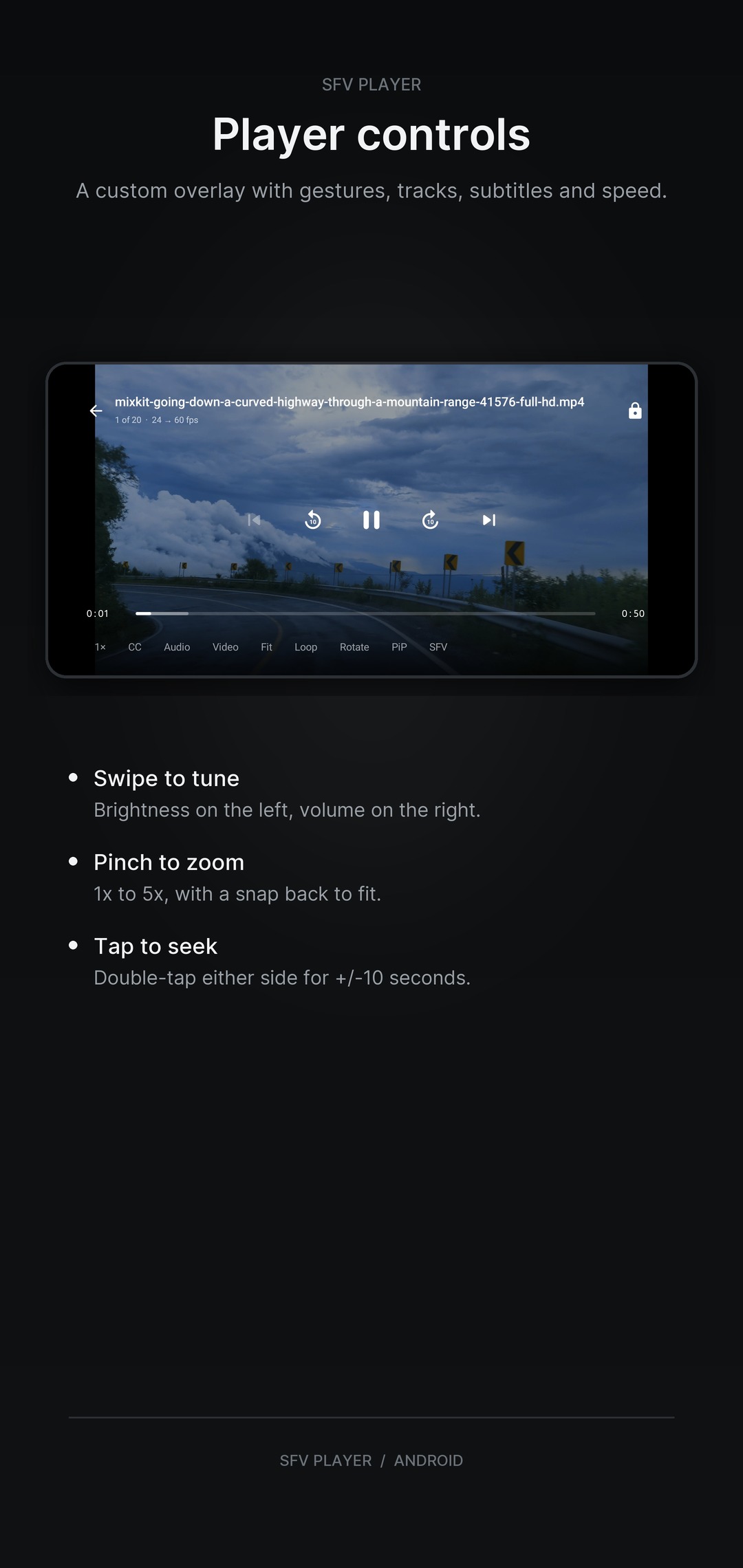
- Custom overlay with a buffered scrub bar, play/pause, previous/next and +/-10-second double-tap seek.
- Gestures for brightness, volume, horizontal seek with preview and pinch-to-zoom (1x-5x).
- Optional volume boost up to 200% when system volume is already at maximum.
- Audio and video track selection, plus embedded and external subtitles (SRT, VTT, ASS, SSA) with per-video sync offset and full styling.
- Playback speed from 0.25x to 4x, loop off/all/one, and resume where you left off.
- Fit, zoom and stretch display modes, rotation control, screen-keep-on, Picture-in-Picture, lock mode and a stats-for-nerds overlay.
Built for your library
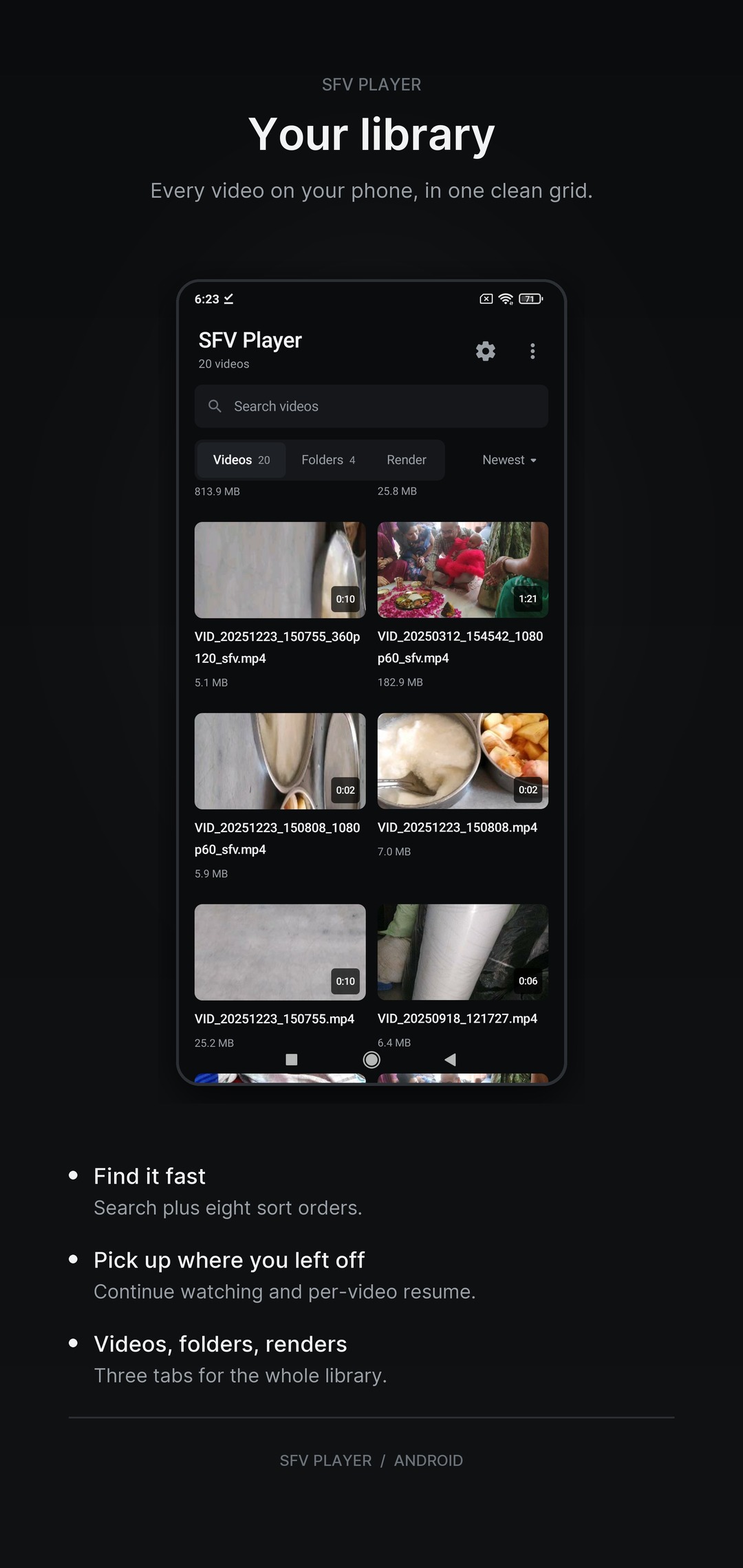
- MediaStore video discovery with a thumbnail grid, search and eight sort orders.
- Videos, Folders and Render tabs.
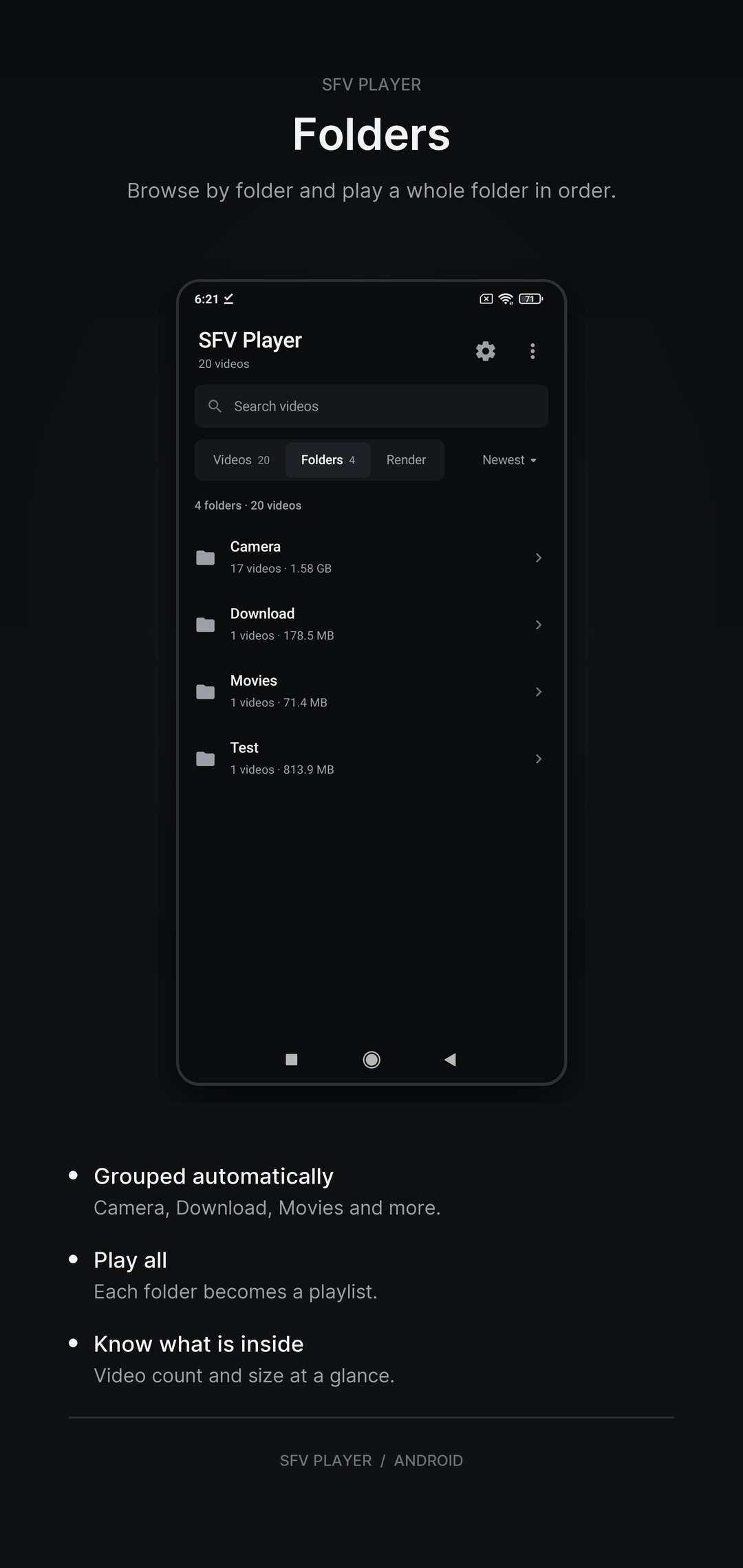
- Folder browsing with per-folder playlists and "Play all".
- A Continue watching row that picks up from your last position.
- Open videos from file managers, browsers and other apps, or play a direct URL or network stream.
- HLS and DASH stream support.
Offline rendering
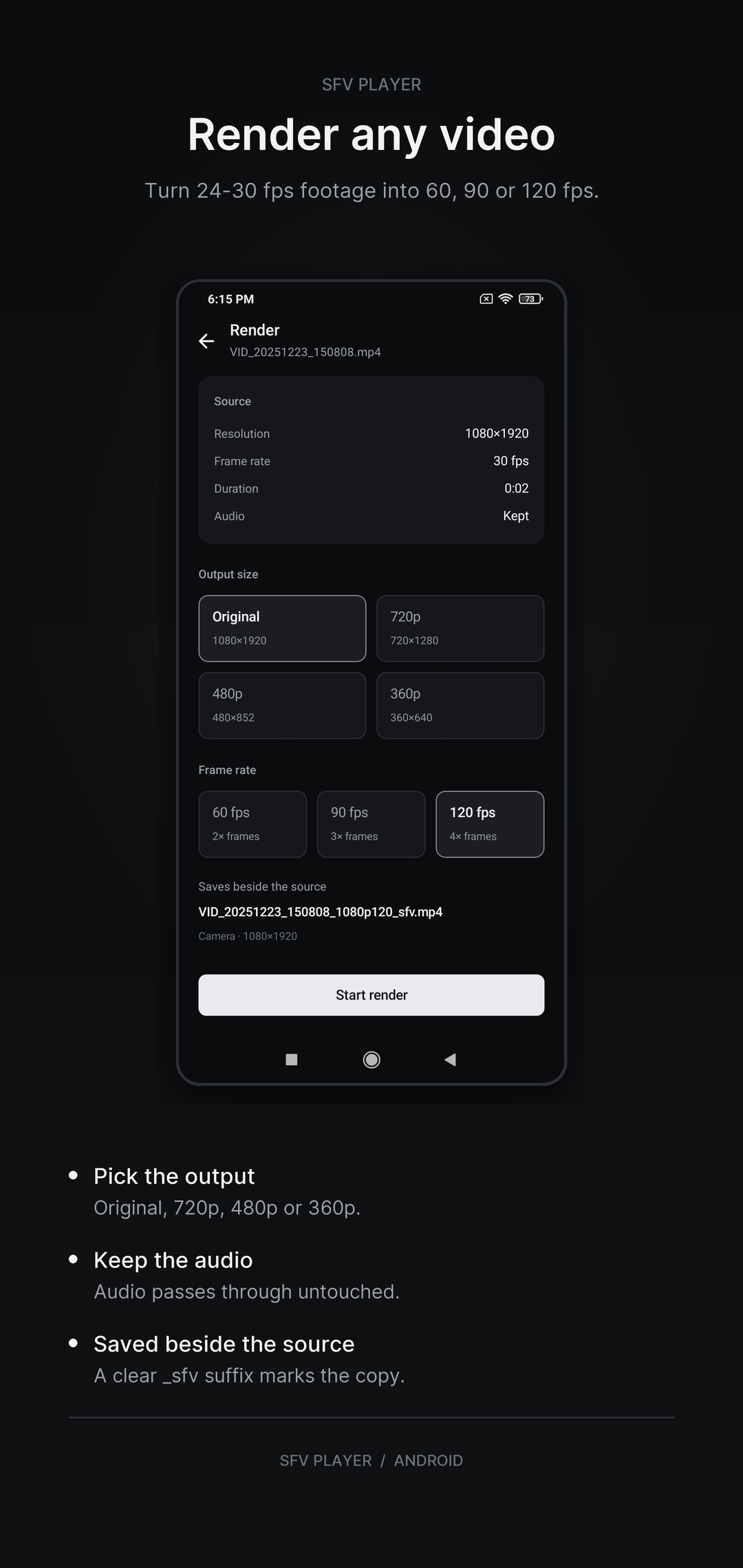
Turn any video into a smoother copy at 60, 90 or 120 fps. Choose the original resolution or 720p, 480p or 360p; the result is saved beside the source with a clear _sfv suffix.
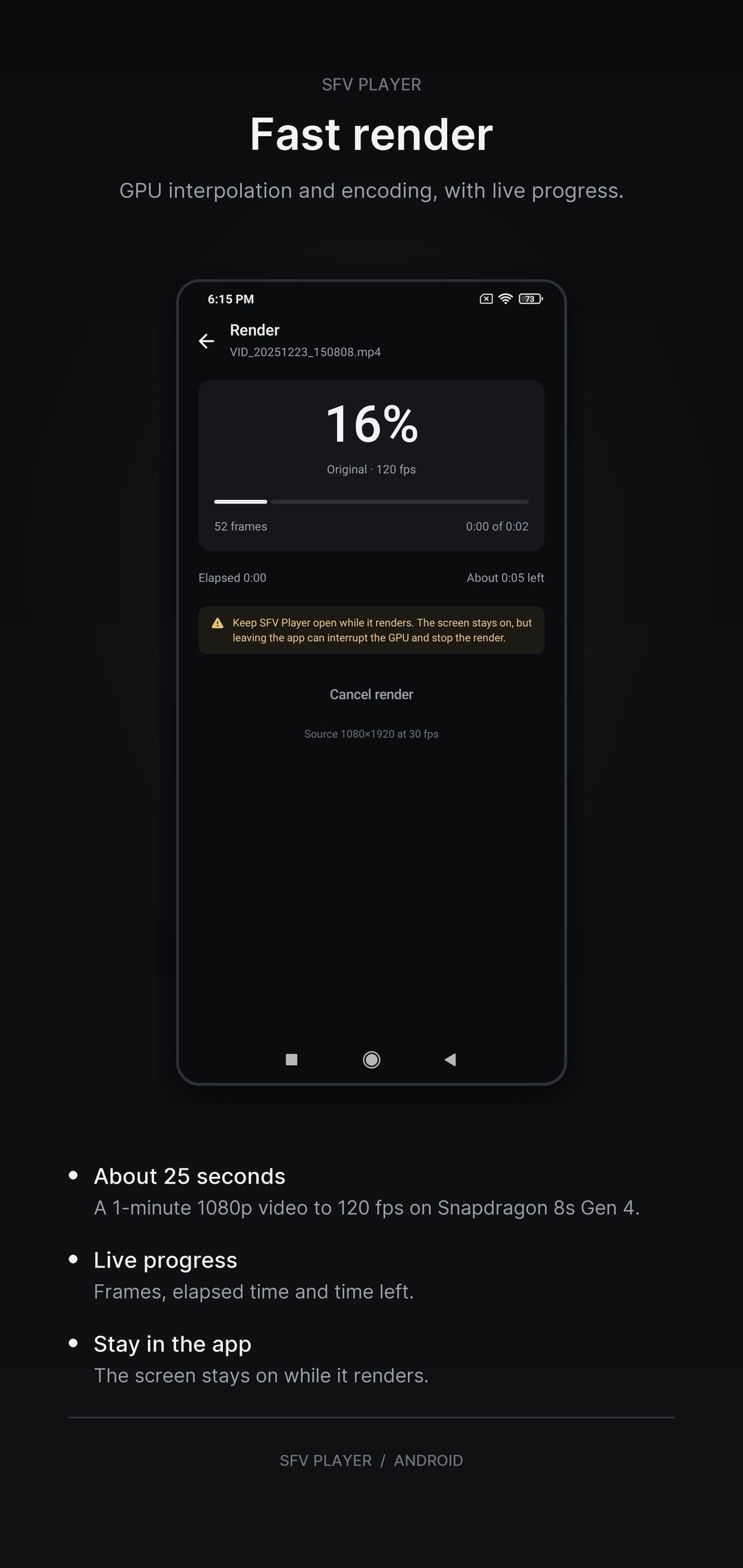
Rendering is fast: on a Snapdragon 8s Gen 4, a 1-minute 1080p video renders to 120 fps in about 25 seconds. Live progress shows frames, elapsed time and time left.
Private by design
SFV Player works on your device. Your videos, library and viewing history are not uploaded. The app shows ads, and optional in-app purchases are handled by Google Play. The app uses the network for remote streams, ads and purchase verification.
Requirements
Android 7.0 (API 24) or newer. Smooth Motion needs OpenGL ES 3.2; on other devices the player falls back to normal playback.
Real-time GPU frame interpolation from 24-30 fps to 45, 60, 90 or 120 fps
Smooth Motion on OpenGL ES 3.2 with automatic fallback on unsupported devices
One-time GPU benchmark with adaptive resolution and auto-downscale when the GPU cannot keep up
Automatic pause for HDR, live and heavy videos, with optional thermal and battery saver pauses
Local video library with thumbnails, search and eight sort orders
Continue watching row and per-video resume
Videos, Folders and Render tabs
Folder browsing with per-folder playlists and Play all
Open videos from file managers, browsers and other apps
Direct URL and network stream playback, including HLS and DASH
Custom player overlay with buffered scrub bar and +/-10-second double-tap seek
Gesture controls for brightness, volume, seek preview and pinch-to-zoom, plus volume boost up to 200%
Audio and video track selection
Embedded and external subtitles: SRT, VTT, ASS and SSA with sync offset and styling
Playback speed from 0.25x to 4x with loop off, all or one
Fit, zoom and stretch display modes with rotation control and screen keep-on
Picture-in-Picture, lock mode and stats-for-nerds overlay
Convert any video to 60, 90 or 120 fps with fast GPU rendering
Fast render: about 25 seconds for a 1-minute 1080p video at 120 fps on Snapdragon 8s Gen 4
Dark Material 3 interface with edge-to-edge layout and Android 7.0+ support
Privacy
How SFV Player handles your data.
Read the full policy for the app, including what it stores and how to get in touch.
Privacy policy